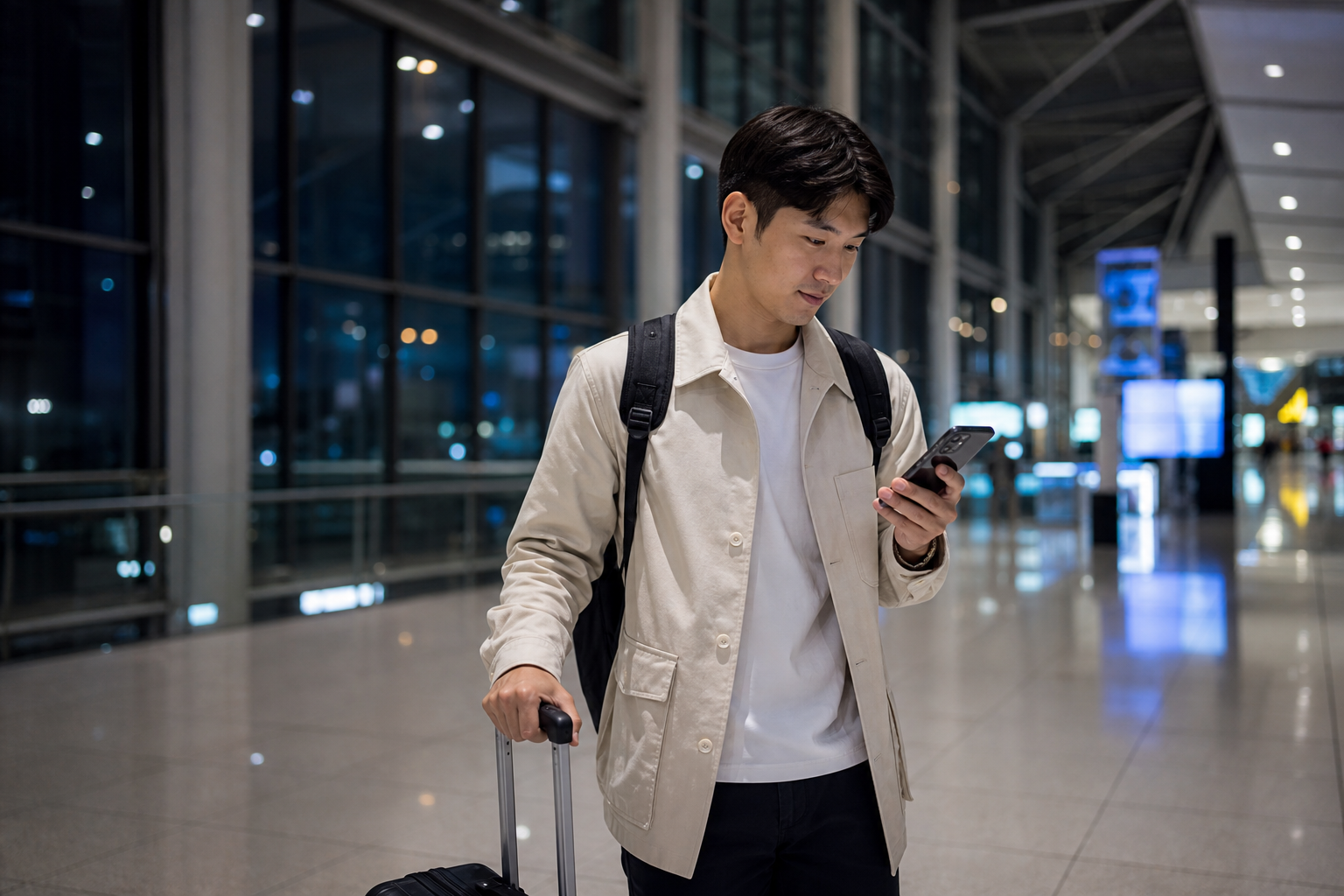
If your flight is scheduled to land after 10 p.m., treat the eSIM as part of your first leg of transport, not as a phone accessory to deal with after you reach the hotel. If you have no data during the day, you can still take your time looking for a service counter; if you miss a connection late at night, you may have to switch to more expensive transport, notify the hotel again, or even move back and forth between terminals. The most reliable sequence is: install before departure, save the information you’ll need, activate after landing, test maps and messages, then leave the terminal.
What to finish before takeoff is not activation, but removing the time sinks inside the airport
First, make sure your phone supports eSIM and is not carrier-locked, then scan the QR code on stable Wi‑Fi. After installation, name the line “Korea Trip” so you do not end up facing two unfamiliar numbers when you arrive and wondering which one should carry your data. If the product says billing starts at installation, do not scan early; the start condition varies by provider, and the payment page and activation email are what matter. If you have not confirmed yet, check when to scan the QR code so billing does not start early item by item.
Next, keep the information you will need for the first night available offline: the hotel’s Korean name and full address, the check-in phone number, booking number, backup transport from the airport to your stay, and your payment method. Do not save only a screenshot of the booking front page; what the driver needs is the address, and what the hotel needs is your name and booking number. If you are using self check-in, screenshot the lock or key pickup instructions in advance too. This is not because we assume the eSIM will fail, but because one setup issue can otherwise derail both transport and check-in at the same time.
If you want your home number to receive OTPs or calls from family, you can leave it on, but turn off data roaming and switch mobile data to the travel eSIM. If you are not familiar with dual-SIM logic, start with how to divide roles between your Taiwanese number and your Korea eSIM. The most common loss is not buying the wrong eSIM, but your home number syncing photos and updating apps in the background and only seeing the roaming bill after you return.
First confirm the billing start condition, then decide whether to activate tonight.
The first five minutes after the plane parks matter more than speed
After turning off airplane mode, first turn on the travel eSIM, set it as the mobile data source, then decide whether to enable data roaming for that travel line according to the product instructions. Here, “roaming” refers to the setting the travel eSIM needs to connect to partner networks; it is not the same as letting your Taiwanese home number roam for data. Once you see a Korean carrier name or 4G/5G on screen, do not put the phone away immediately; open a new web page, search for the hotel, send a message, and make sure data is actually going out.
Free airport Wi‑Fi can help you open the activation email, but that does not mean the eSIM is already usable. If you only discover you have no data after leaving Wi‑Fi coverage to get on transport, troubleshooting will overlap with the countdown to the last train. Turn Wi‑Fi off temporarily during the test so you know whether what is working now is mobile data or the airport network. If there is no signal at all, follow the troubleshooting order for no signal to check line activation and network registration; if you can see a carrier name but cannot get online, use the troubleshooting steps for signal with no data.
Do not delete the eSIM before you have saved screenshots of the QR code and customer service information. Most QR codes cannot be reinstalled indefinitely, and getting a fresh credential late at night may not be instant either. First switch airplane mode on and off, restart the phone, and confirm the data line and roaming settings; change only one thing at a time and test again so you know where the problem is. Resetting all network settings at once may also erase your home number and saved Wi‑Fi networks.
The last train is not just background context; it is the real deadline for activating your connection
Scheduled arrival time is not the same as the time you will actually stand in the arrival hall. Taxiing, disembarking, immigration, baggage claim, and moving between terminals all eat into the buffer; the more checked luggage you have, the less you should treat the last train as your only answer. Before you depart, check the day’s routes and timetables on the official website of Incheon Airport or the operating company, and save a second option: airport bus, rail, taxi, or a hotel near the airport. This article does not pin down the last train time, because timetables, terminals, and dates can all change.
Once the network is live, check “what you can still make tonight” instead of re-researching every transport option. If the planned rail option is already out of reach, immediately confirm the boarding point for a late-night bus; if the late bus is also not workable, use the saved hotel address to estimate a taxi route right away. If you are still comparing speeds or discounts at this point, you may lose more time than the price difference is worth. The value of an eSIM is not that it lets you keep searching forever, but that it helps you stop searching sooner and make a decision.
Travelers staying in Hongdae, Myeong-dong, or Seoul Station will also face different first-night transport decisions. Do not use the same route screenshot just because all of your accommodations are in “Seoul”; save the actual drop-off station and the walking exit. If your destination is Hongdae, you can also save transport options from Incheon Airport to Hongdae. If you are traveling with older family members or children, make the division of tasks and meeting point clear so that no one gets separated after one person goes to buy tickets and another retrieves luggage.
Once your trip length and first activation point are set, you can compare the plan that actually fits.
If only one person stays awake on the first night, do not leave the information only on that person’s phone
With red-eye or late flights, the most common problem is not a technical failure but fatigue-driven mistakes: taking the wrong baggage exit, forgetting to switch the data SIM, or misreading which hotel branch you booked. If you are traveling with at least two people, send the hotel address, booking details, and backup transport to a second person; if you will split up to buy tickets or collect luggage, agree on a fixed meeting point inside the terminal. It is fine if only the main phone has the eSIM, but the others should at least have offline information and access to airport Wi‑Fi.
If one person will share a hotspot with the whole group, first confirm that the plan allows sharing and prepare a power bank. A hotspot is fine for short-term sharing while waiting, but not if the main phone must also handle navigation, ride-hailing, hotel contact, and internet for every device. Whether you need a second independent line should depend on whether you will split up, not just on the number of people; use the risks of using a Korea eSIM as a hotspot for your final decision.
Even if three travelers land at 11 p.m., their safety margins are completely different
For travelers with only carry-on luggage, who are familiar with transport in Korea and whose accommodation has a 24-hour front desk, it is often possible to test the network first and then head into the city. The key backup for this type of traveler is a second transport option, not buying another SIM. Still, you must leave time for immigration and finding the platform; you cannot treat the scheduled arrival time and the actual boarding time as the same minute.
With checked luggage, older family members, or children, the timing uncertainty increases noticeably. Baggage claim may be quick, or it may slow down because several flights arrive at once; if someone needs the restroom, a diaper change, or a short rest, the transport you thought was just barely workable can disappear. In that case, decide before takeoff what to do if the original option is missed, instead of having everyone stand at the carousel and vote again after landing. If you are accompanying older family members, also read how to divide eSIM and contact responsibilities for older travelers, and give the hotel address to more than one person.
If the previous leg was delayed by a connection, weather, or air traffic control, notify your accommodation first after you get online, then check transport. Some stays have a latest check-in time or no-staff-front-desk rule; even if transport is still possible, failing to complete check-in can create a bigger loss. After you make contact, screenshot the updated arrival time for the people traveling with you, then keep only one main plan and one backup. Writing out five options while exhausted does not make things safer; it only delays the decision further.
The point when you can finally switch your brain off is after the hotel confirms check-in
After you arrive at your accommodation, first confirm that your phone can still get online without the hotel Wi‑Fi, then connect to the indoor network. If your plan is billed by calendar day or a 24-hour window, note the actual activation time so you know when to add more later. A late arrival does not necessarily mean you need to buy an extra day; the key is still how the provider calculates validity. Put your flight arrival, estimated exit from the airport, and return departure time side by side, then check how many days of Korea eSIM you need; that will be more accurate than simply counting hotel nights.
Finally, check once more that data roaming is off on your home number and keep the travel card as the default mobile data line. If everything is normal the next morning, you do not need to keep changing settings; during a trip, the most stable phone is usually not the one with the most options turned on, but the one with a clearly defined data source. What late-night arrivals need is not a more complicated setup, but a way to keep the first ride, first address, and first message from failing at the same time.
Once your offline information and transport backups are saved, finish by checking the plan one last time.
Next, handle the things that most often get stuck on the first night
- Turn on the travel eSIM in order after landing
- How to troubleshoot when your phone has no signal at all
- When to scan the QR code before departure
- How to decide on transport from Incheon Airport to Hongdae
- Estimate Korea data usage by day’s itinerary
- When traveling alone, don’t keep all your backups on one phone
Before a late-night arrival, check these official sources once more
- Incheon International Airport: Public transport information
- Apple Support: Use eSIM on iPhone
- Samsung Taiwan: Galaxy eSIM and support information
- Schedules, terminals, plan start rules, and hotspot sharing permissions can all change; before departure, check the official transport page, the named product page, and the phone maker’s instructions again.