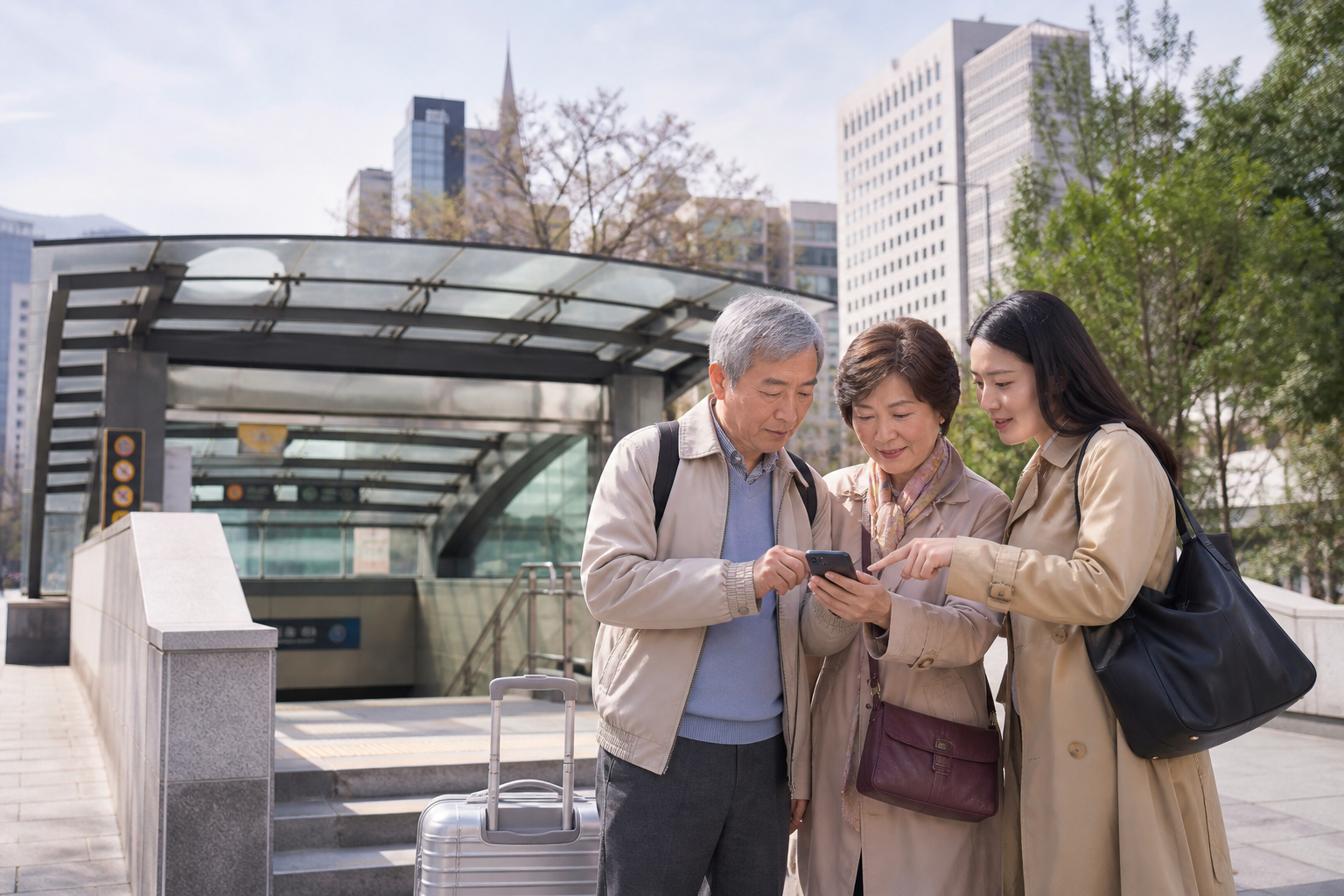
If the older family member you’re traveling with doesn’t use a phone much in daily life, the safest approach is usually not to rush into installing an unfamiliar eSIM for them. Instead, let one adult who is comfortable with settings handle the main data line, while keeping the older family member’s original number active for texts and calls. That means fewer steps and fewer things that can go wrong. The trade-off is that you can’t tie everyone to one person at all times. If your itinerary includes splitting up at markets, someone walking more slowly, or someone heading off first to line up, the second adult should have an independent data connection or a very clear meeting rule.
What older travelers need is not “the most GB,” but a way to still find people on an unfamiliar screen
For younger travelers, mobile data is often for video, uploads, and social feeds. When you’re traveling with older family members, the real data use tends to be maps, translation, ride-hailing, checking subway exits, and finding a restroom on short notice. The total usage may not be high, but it cannot fail during the crucial ten minutes. Before you go, save screenshots of the hotel address in Korean, the first stop each day, and the meeting point in the photo album, then download offline maps so a brief network issue doesn’t stop the whole group.
It also helps to adjust the phone interface in advance: enlarge the text, save common map locations, and make sure the names of key contacts are clear. Don’t assume an older traveler will be able to find hotspot sharing or SIM switching in a foreign-language interface. If you do want their own phone online, finish the installation the day before departure and only turn on that line after arrival. For details, check the Korea eSIM phone compatibility check first, so you don’t discover at the airport that the device version can’t support it.
Look at how you’ll move each day before deciding whether every phone needs its own data line
If you’re staying in Seoul and family members will always be with the older traveler, a primary phone with its own data line plus a temporary hotspot is usually enough. Saving money by skipping an unnecessary second or third line can make the transport and rest plan more comfortable. But if the trip includes two groups shopping separately, someone returning to the hotel early, or someone handling a clinic or pharmacy visit, an independent connection is no longer a luxury. In that case, the goal is not identical plans for everyone, but making sure each group has at least one person who can navigate, translate, and notify others of changes.
Older travelers’ plans often change pace: a scheduled sight turns into a sitting break, rain sends everyone back to the hotel, or knee pain means calling a taxi on the spot. These situations matter more than how many videos you might watch that day. The person leading the way should have enough data and battery, while the person keeping company should know the hotel location and the next destination. Separating those roles keeps one coffee run from turning into a complete information blackout for the other side.
Also keep public Wi‑Fi’s limits in mind. Hotel and café Wi‑Fi are useful, but that doesn’t mean they’ll still work once you go to the subway, transfer to a bus, or leave indoors. Repeated logins and verification screens are especially difficult for people who aren’t comfortable with phones. Public Wi‑Fi can be a backup, not your only direction tool once you leave the hotel. If you’re still leaning toward sharing one line, run your actual itinerary through the Korea eSIM data estimate rather than judging only by “we barely use our phones at home.”
First check the plan based on how the group will split up; not everyone needs the same one.
Moving slowly doesn’t mean you can’t split up, but you should agree on a non-network answer first
Seoul Station, Hongdae Entrance, and major department stores are the places where people most often think, “We’re only one corner apart,” and then spend 20 minutes looking for each other. When traveling with older family members, don’t rely on “we’ll text on LINE later” as the only meeting strategy: elevators, underground shopping areas, and dead phones can all get in the way. Before entering any station, assign an exit number. If you do get separated, agree to wait in place for 10 minutes first, then head to a fixed landmark. That may sound more tedious than buying an eSIM, but it reduces anxiety more effectively than a few extra gigabytes.
If two adults will take turns staying with the older traveler, the second adult should ideally be able to check maps on their own data connection too. Relying on a single phone’s hotspot turns its battery, location, and signal into a single point of failure for the whole group. For the practical trade-off between sharing data, heat buildup, and whether to split up, see the pros and cons of using hotspot with a Korea eSIM. Don’t assume that because the hotspot worked on day one, every transport day after that can depend on the same phone.
Keep the original number, but don’t let roaming quietly bill you in the background
Many older travelers need bank verification codes, calls from family, or messages related to Taiwan healthcare. The most practical setup is often: “original number for calls and texts, travel eSIM for mobile data.” The most important part of setup is not tapping extra switches, but confirming that mobile data default has been moved to the travel SIM and that data roaming on the original line is turned off. After arrival, test web browsing, maps, and messaging once each, then hand the phone back to the user. If you have signal but no internet, follow the troubleshooting order for signal with no data first; don’t rush to remove the installed eSIM.
If the older traveler strongly dislikes settings, it’s also perfectly reasonable for the accompanying adult’s phone to handle navigation. There is no need to add a device that requires another round of teaching, charging, and troubleshooting just to satisfy the idea that “everyone should have one.” On the other hand, if the older traveler often walks alone, needs to head back early to rest, or relies heavily on translation tools, then it is worth giving them a data line they can use independently. The dividing line is not age; it’s whether they can make it back without the main caregiver.
Keep the help path outside the phone, and that’s when you really have a backup plan
An eSIM can’t replace travel insurance, carry-on medicines, or a companion’s care, but it can remove one layer of friction when help is needed. Before going out, put a small card in the older traveler’s bag with the hotel name and address, the companion’s phone number, the meeting landmark, and a short Korean phrase to show if necessary. If the phone screen breaks, runs out of battery, or can’t be found for the moment, that card still gives hotel staff, subway workers, or a taxi driver enough to understand the destination.
Travel companions should also share the necessary information, not leave everything with the person who booked the trip. Tell at least two adults where the hotel booking is stored, where passport copies are kept, the return flight details, and emergency contact information. There is no need to spread everyone’s private information around; the point is simply to avoid having the only person who knows everything step away to the restroom or have their phone die. For older travelers, what feels safest is usually not the fastest internet, but knowing they don’t have to remember every detail to find their family again.
Confirm who will move independently, then decide whether a second data line is needed.
Spend three minutes before you leave to leave a real backup for the return trip
Before handing the phone to the older traveler, do a very short rehearsal: have them open the map, find the hotel, call a companion, and say where they should wait if they can’t find anyone at the subway station. You don’t need to train them into a travel expert; you just need to make sure they still know the next step when the signal is weak, the battery is low, or no one is nearby. Bring a power bank, a paper copy of the hotel address, and a small amount of cash so the internet is not mistaken for the only rescue option.
Choose the plan length based on the actual activation time, not just the number of hotel nights. Late-night arrivals or early-morning return flights change the required period. Start by using the Korea eSIM day-count guide to work out the timing, then choose the data amount. The best internet setup for traveling with older family members is often one you barely notice—until you need directions or need to contact someone, and it is there.
On the actual departure day, do the final test somewhere with familiar Wi‑Fi: confirm that the original number can receive texts, that the travel SIM is selected for data, that the hotel can be found on the map, and that companions can message one another. If your flight is very early, charge the phone the night before and put the power bank in your carry-on. These small steps don’t make the trip more stressful; they make it easier to focus on the older traveler’s pace, rest, and mood after arrival instead of staring at settings screens.
If you’re still unsure, prioritize the arrangement that needs fewer steps and has a clearer meeting rule. The network should fit the travel rhythm the older family member already has—not become a test they have to pass.
The most useful setup is the one that still lets the whole family know where everyone is when plans change, rest is needed, or someone wants to head back to the hotel early.
On the return day, don’t turn off the travel SIM too early. From hotel checkout to reconnecting to Taiwan service after immigration, you may still need to check airport buses, terminal changes, or contact companions. Once you’ve arrived in Taiwan and the original number’s data service is restored, you can remove or disable the travel SIM. If you won’t need an extra phone number at all during the trip, first understand the real limitations of whether a Korea eSIM includes a phone number so you don’t discover a mismatch when trying to join a restaurant queue or make a last-minute call.
After testing the settings and offline address, finish your final pre-departure check.
Next reads
Sources and verification
- Apple Support: Use Dual SIM on iPhone
- Samsung Taiwan: Galaxy Dual SIM setup
- eSIM compatibility, activation steps, and hotspot conditions should still be checked against the named product page and the device maker’s current instructions before payment.