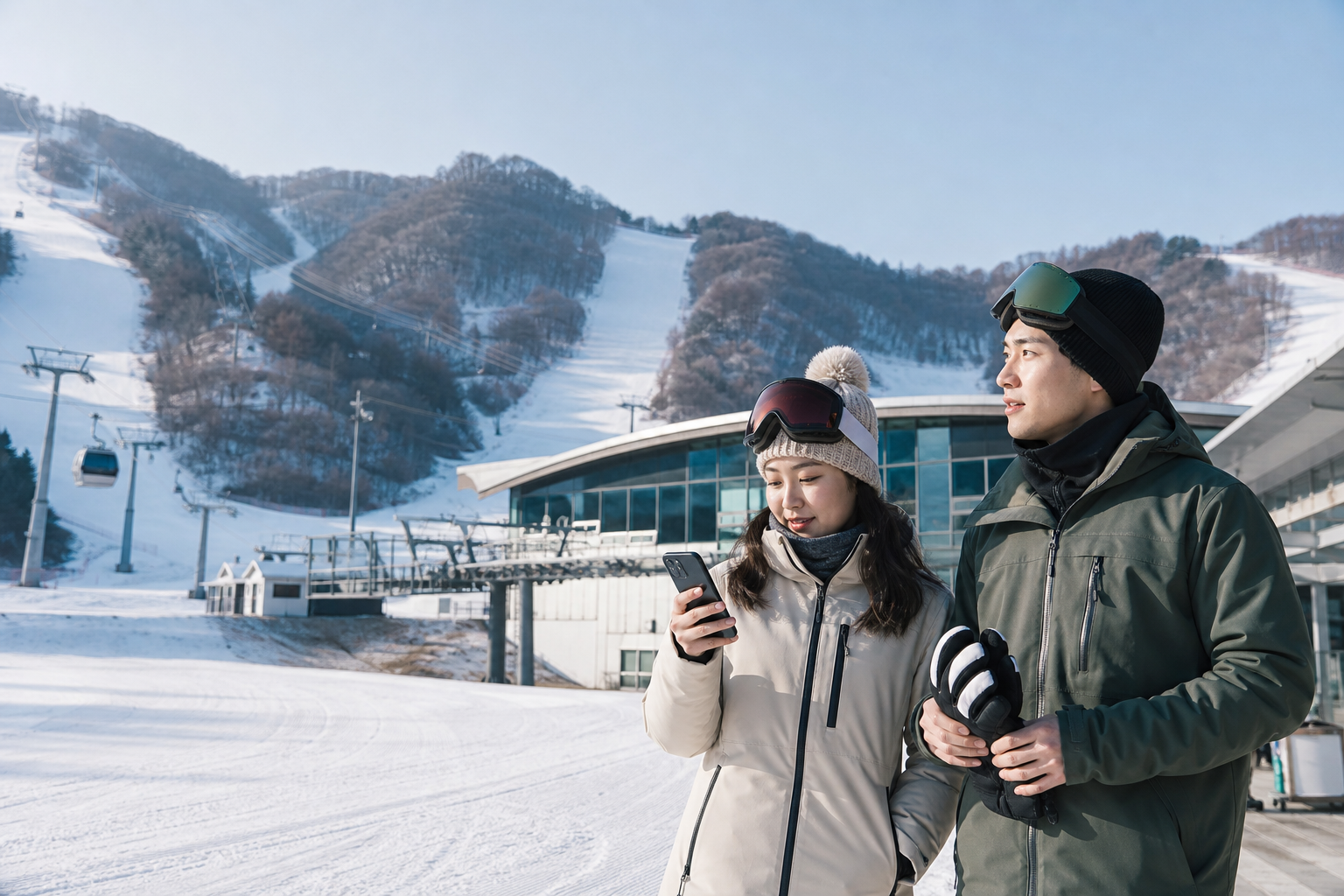
If you’re just doing Seoul plus one day at a nearby ski resort, a travel eSIM that covers Korea and has enough validity is usually enough—you don’t need a second SIM just because you’re heading into the mountains. What does need to change is how you use it: in the city, you can look things up as you go, but at the ski resort you should sort out tickets, lockers, lessons, and the return shuttle while your phone is still warm, your gloves are still off, and everyone in your group is still together.
“No signal at the resort” can mean three very different things. Inside the base building, walls and crowds can affect reception; on the gondola or midway up the mountain, the phone may briefly switch base stations; and more often, the real issue is that cold weather drains the battery fast and makes the screen less responsive, which makes it look like the eSIM has failed. If you don’t first figure out the cause, it’s easy to start resetting network settings in the worst possible place.
Before the shuttle door opens, break the day into four times you cannot miss
The first is check-in and departure time for the outbound shuttle, the second is the start time for rentals or lessons, the third is the final group meeting point, and the fourth is the return pickup. Screenshot all four times and add them to your offline calendar, then save the pickup point, license plate, or operator contact details. The “operating period” on an official website does not mean a vehicle is guaranteed on your exact day; the date, boarding point, alighting point, and reservation status still need to be checked one by one before you leave.
Keeping the booking only in email is not enough. A phone in a ski-jacket pocket may not have stable connectivity, and your password manager or email may also ask for re-verification. Save the named booking, QR code, participant names, and meeting point as screens you can open offline, and make sure the brightness is high enough for staff to scan. If the ticket rules do not allow screenshots, at minimum keep the booking number and pickup rules, and complete collection once you reach the base area and the network is working normally.
First-time visitors often think the “resort meeting point” means the entrance to the whole resort, but the rental counter, ski school, lift station, and shuttle parking area may be some distance apart. Don’t save only the resort name; save the exact building, floor, or counter, plus a real-world landmark everyone in the group can identify. If you’re arriving from Seoul late at night and leaving early the next morning, finish the eSIM activation sequence for late-night arrivals first—don’t leave your first test for the shuttle.
Once your ski date and full itinerary are confirmed, check the validity period and data allowance for your Korea plan.
Full bars at the base, slower on the slope—check where you are before touching settings
The resort base, lift routes, and summit should not be treated as the same network environment. Terrain, buildings, cell tower direction, and the number of people online at once can all make a difference; a travel eSIM may also be serviced through a partner mobile network. If one video won’t send, that does not mean the whole resort lacks coverage, and it does not mean another brand will automatically work better.
Troubleshooting should start in a safe spot that won’t block the flow of people. First confirm the phone still has normal battery and temperature, then check whether mobile data is set to the travel eSIM, whether data roaming is enabled as required by the provider, and whether network selection is left on automatic. For a complete loss of service, follow the Korea eSIM no-signal check order; if the carrier name shows but data won’t connect, use the split approach for signal with no data.
Don’t delete the eSIM on a gondola, beside the slope, or while the group countdown is running. With some plans, the QR code is not guaranteed to be reinstallable at will, and deleting it may require the provider to issue it again. If airplane mode and a restart still don’t help, use a teammate’s network first to handle return contact, and leave the technical fix for an indoor rest area. Safe movement and making the meeting on time matter more than getting social uploads back immediately.
Cold takes battery first, not necessarily signal
Apple’s official guidance says that using a device in very cold conditions outside its operating temperature range may temporarily shorten battery life or even shut the device down; performance usually returns once it’s back in a normal temperature range. That means a sudden battery drop at the ski resort is not automatically an eSIM problem. Location services, the camera, high screen brightness, video, and background syncing all make the drain worse.
Keep the phone in an inner pocket close to your body, dry, and zipped shut. Don’t leave it long-term in an outer transparent case or exposed to snow. Take it out only when you need to check a route, then put it away again after use. Power banks are also affected by cold, and a battery in an outer backpack pocket may not deliver the capacity you expect; charging cables should also be kept from getting wet at the connectors. When you move from the cold outdoors into a warm room, wipe the outside dry and let the device warm up gradually—don’t use hot air or place it next to a heater right away.
Before you leave, turn off unnecessary photo backups, automatic updates, and high-definition video autoplay, and download maps and tickets in advance. This is not just about saving data in an extreme way; it also reduces battery drain, network use, and screen interaction at the same time. If the whole group needs to share one phone as a hotspot, check the battery drain and limits of hotspots on Korea eSIMs first; on a ski day, you should not turn the one phone holding your navigation and tickets into the whole group’s long-term router.
If you’ll be filming, navigating, or sharing a hotspot at the resort, compare high-speed data and restrictions together.
Once the slopes split up, messages are not a meeting rule
Skiers differ in speed, skill level, and how often they stop, so even if you plan to stay together, you may separate at the lift gate, a fork in the trail, or after class ends. Relying only on “just message when you’re done” is risky: one person may be wearing thick gloves and not see notifications, another may have the phone in an inner pocket and not hear it, and someone else may already be at a different rest area with the same name.
A meeting plan needs a place, a time, and a fallback if someone is late. The location should be a single fixed spot that is easy to recognize and not right in the middle of the slope exit; the time should be written down to the exact minute; and the late-arrival plan should say how long to wait, where the next meeting point is, and who will contact the instructor or counter. If there are children or beginners, the person responsible and the gear identifiers should also be photographed in advance—you can’t rely on group location alone.
Not everyone in the group needs the highest data allowance, but the whole group should not depend on just one phone with data. At least two people should keep independent data lines or another reliable way to contact each other, and everyone should save the return ticket and accommodation address. For families, continue with how to split an eSIM for a family trip to Korea; if you’re traveling solo on a ski tour, use the backup plan for a solo traveler whose phone stops working to store your documents and the route back to your lodging.
Before you take off your gloves, decide what doesn’t need live internet at all
Live connectivity at the resort should be reserved for safety, meeting points, tickets, and transport. Weather, slope openings, and lift operations are changeable information and should be checked on the resort’s official page; but selfie uploads, full video backups, and restaurant lists do not need to be handled beside the slope. Take the photos first, then sort everything out on indoor Wi‑Fi later—that reduces repeated glove removal, the risk of dropping your phone, and battery drain.
Navigation also needs layers. Outbound shuttle and return pickup points should be saved offline, while inside the resort you should rely mainly on the official map, on-site signage, and staff guidance. A standard city map may not accurately show slope difficulty, closed areas, or the day’s lift status. Don’t deviate from the officially open route just because your phone shows a shorter line; an eSIM provides data, not resort safety rules.
If a plan is labeled unlimited, you still need to check the high-speed data allowance, fair-use policy, and hotspot terms. After throttling, text messages may still work, but video uploads and multi-device hotspot use can be affected noticeably. You can start by reading the real limits of unlimited Korea plans, then choose based on the whole trip rather than just a single ski day. For most travelers, pre-downloaded data and a fixed allowance are often enough.
The shuttle won’t wait for you—don’t spend the last 30 minutes testing new settings
After skiing, you may need to return equipment, change clothes, collect lockers, find your group, and walk to the shuttle point all at once. Set two reminders for the return meeting time: one to start wrapping up, and one to leave the building and head for pickup. Don’t treat “lift closing time” as the time you can ski until the very end; there is still a full process of returning gear and walking out.
If the phone has already shut down because of the cold, let it warm up naturally indoors and connect it to a dry charger first. Don’t keep restarting, deleting lines, and scanning new QR codes just to make the bus. Have a teammate show the shared booking or contact the operator first, and handle the broken phone settings back at the accommodation. That’s also why return details should be on two devices instead of relying on any one phone to stay trouble-free all day.
Whether you need a second eSIM for the ski resort depends on three things: whether your original plan covers Korea and your full dates, whether your companions already have their own backup, and whether your trip includes work or personal needs that cannot go offline. Buying a second one just because you’re going into the mountains may not solve terrain or cold-related problems. The part that directly reduces loss is getting your offline tickets, meeting rules, and battery management in order first.
Once both shuttle and return arrangements are confirmed, choose a plan that covers your whole trip to Korea.
Bring back the network you’ll still need outside the ski resort
Check snow conditions, shuttle plans, and cold-weather phone performance separately before you go
- Korea Tourism Organization VISITKOREA: Korean ski resorts and official links
- Apple Support: What happens to iPhone or iPad in extreme heat or cold
- Apple Support: iPhone battery charging and low-temperature endurance
- SK Telecom: Korea mobile network coverage map
- Slopes, lifts, lessons, and shuttles are subject to changes in date, weather, and on-site operations; on the day you travel, the named resort, operator, and telecom provider’s announcements should still be the final reference.