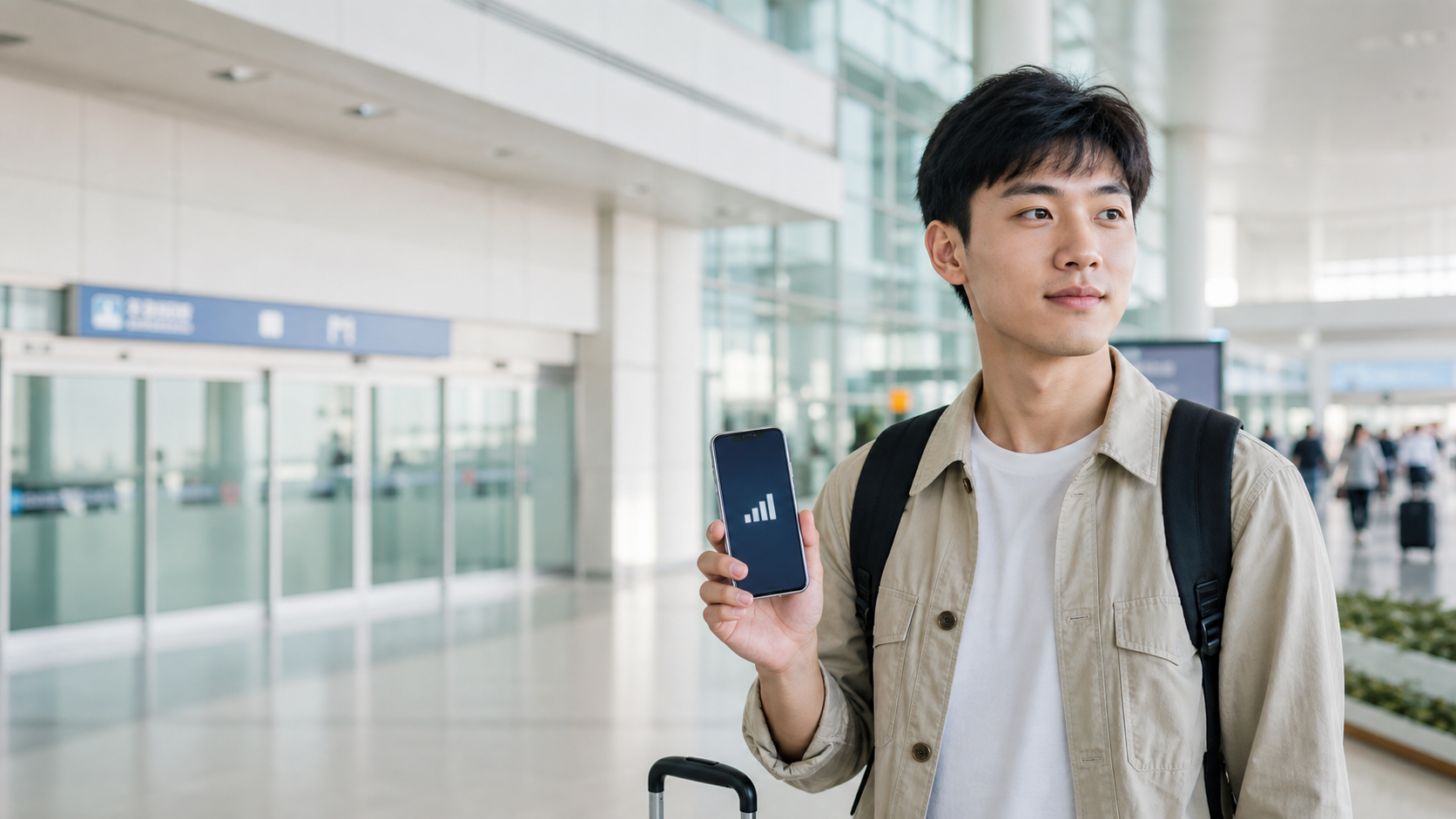
The first step is not opening a shopping page, but checking whether this eSIM can even fit your phone
Not every phone supports eSIM, and seeing “iPhone” does not automatically mean it will work. The model, purchase region, system version, whether an eSIM slot is still available, and even management restrictions on company-issued phones can all make the same plan work on someone else’s device and fail on yours. If you only discover that after arriving in Korea, the cost is not just a little lost data — you may lose airport-to-hotel navigation, subway transfers, and the ability to contact anyone in an emergency.
So the trip should begin by checking whether your phone supports eSIM first. If you know you’ll be using an iPhone, then read the iPhone installation and mobile data setup guide; Samsung and other Android phones should not follow the same steps blindly, so use the Samsung guide and the Android guide separately. Putting compatibility ahead of every comparison matters because if it doesn’t work, the cheap price, data allowance, and reviews no longer mean anything.
Trip length and data answer two different questions
Once compatibility is confirmed, look at the activation conditions for Korea plans.
“Five days and four nights” does not automatically mean you should buy a five-day plan. Your first usable day may be late at night after landing, or you may not truly activate it until the next morning. If your return flight is early, the value of internet access on the last day is also very different from a full sightseeing day. First, use how many days to buy a Korea eSIM for to calculate the valid dates correctly, then check how many GB you actually need. The first avoids paying for days you will not use; the second prevents you from realizing too late that your data is not enough once navigation, short videos, cloud photos, and livestreaming start adding up.
Unlimited data is not automatically the easier answer either. It may come with a high-speed allowance, network management during congestion, hotspot limits, or fair use terms. On the other hand, a fixed-data plan is not necessarily as risky as it sounds if you only need maps, ride-hailing, and messaging. If you’re torn between the two, don’t rely on product names alone — compare the real trade-offs of unlimited Korea eSIM, then return to choosing a Korea eSIM based on travel pace for the final decision.
What you need may not be the internet itself, but one function that cannot drop at the wrong moment
Some travelers fear getting lost and need stable navigation; some need to contact friends and send photos from a concert venue, where congestion is the biggest problem; some travel with family and really need to share one connection across multiple devices; others must keep their Taiwan number active to receive bank, airline, or work verification codes. None of these can be solved by “a few GB” alone. Ask yourself this first: if the connection fails at the worst possible moment, what function matters most? That answer decides whether you should focus on hotspot use, a phone number, dual-SIM settings, or a more stable plan.
For group trips, read whether Korea eSIM can share hotspot first — do not treat “one per person” and “shared connection” as the same cost. If you need a Korean number or want to keep your Taiwan number active, check whether eSIM needs a phone number and how to keep your Taiwan number receiving texts. These choices affect whether you can receive OTPs after landing, whether your travel companion can connect temporarily, and whether your original SIM card needs to stay enabled.
Choosing the wrong installation time can turn a five-minute setup into a stress test after landing
A QR code should not be opened for the first time while standing in an airport queue with only a few percent battery left. But neither is earlier always better. Some plans start counting from activation, from connecting to local network, or from scanning the code, so you need to read the product rules carefully and keep screenshots of the QR code, order details, and your original number settings. Before departure, the best preparation is to add the plan to your phone and confirm where the mobile data label and roaming switches are. When you actually switch over, follow the plan’s activation rules and your flight route.
If you have a layover, first read when to activate Korea eSIM during transit. If you already have the QR code, see when it is safest to scan the QR code. If you still cannot get online after landing, do not immediately buy a second card — first follow the activation order after arrival to troubleshoot. The correct sequence is usually cheaper than “having a backup,” and it is less likely to mess up your original settings.
Having signal does not mean you can get online; not being able to connect does not mean the plan is broken right away
If your travel dates are fixed, check the validity period of the named plan directly.
The most frustrating sight is when your status bar shows signal but maps still won’t load. The cause may be that mobile data is still assigned to your original number, data roaming is off, the APN is not set as required by the provider, manual network selection failed, or the phone’s data switching logic got confused with two SIMs active at once. Each case has a different fix; randomly tapping “delete eSIM” can turn a recoverable issue into one that requires customer support to resolve.
Choose the right path based on what you see: if you get no network at all, go to Korea eSIM no-signal troubleshooting; if you have signal but cannot get online, go to signal but no internet; if the product description mentions APN, check whether APN needs to be set; if data suddenly slows down, see what to check first when data becomes slow. Each page deals with one failure point so you do not change everything at once and lose the clues that would help you diagnose the problem.
Different cities and trip styles magnify different risks
Riding the subway constantly in Seoul, leaving a late-night show, crossing from Haeundae to Seomyeon in Busan, or driving around Jeju all create different dependencies on your connection. Fans traveling for concerts worry most about congestion and getting separated at the venue; parents or family groups fear one phone losing service and cutting everyone off; drivers cannot treat navigation reliability as optional. The city pages do not teach you how to scan a QR code again — they connect the part of the trip that cannot go offline to your choice of days, data, and plan.
Read Seoul eSIM, Busan eSIM, Jeju driving eSIM, Korea concert eSIM, or mobile internet for group travel according to your itinerary. Your goal is not to find the “best” card, but to avoid discovering too late that the plan does not fit the place where your trip is least flexible.
Keeping your original number does not mean every setting must stay the same
One of the biggest worries before departure is whether turning on eSIM will make the Taiwan SIM stop working. In practice, you can keep your original number active to receive texts while setting the Korea eSIM as mobile data. But that also means you need to distinguish which SIM handles calls, which one handles data, and whether data roaming on the original number should be turned off. If both SIMs compete for mobile data, or the system switches data sources automatically, billing and connectivity can end up in unexpected places.
Before you leave, it helps to list the verification methods actually needed by your contacts, bank, airline, and work accounts. Not every text has to arrive instantly, and not every travel companion needs access to your original number. This may seem tedious, but it can save you from turning on expensive roaming overseas just to receive a six-digit code, or from breaking an eSIM setup that was already working. Readers who need both SIMs active at the same time can also see how the original SIM and eSIM coexist; if bank verification texts are non-negotiable, go straight to what to do when verification codes do not arrive.
The point of a backup is not buying two cards, but knowing what not to do next when something fails
When you travel, the most useful backup is often not another product, but offline screenshots of your hotel address, downloaded map areas, saved booking details and support contacts, plus making sure your travel companions know where to meet. These preparations do not replace the internet, but they can keep you from making the worst decision in the ten minutes before your signal comes back. Especially if this is your first time using eSIM, keep the original QR code and do not delete the profile just because you are anxious. Whether you can reinstall it, how many times you can install it, and what support is available all depend on the provider’s terms.
If you have already confirmed compatibility, dates, and your main use case before departure, the chance of a problem drops sharply. That is the core of this loop: not forcing you to buy a bigger plan out of fear, but making sure every purchase starts from the assumption that you have already handled the next likely bottleneck — while still leaving room for delayed flights, hotel rebookings, or splitting up temporarily during the trip.
Only then do you buy: make sure the plan passes these three checks first
Before purchasing, lock in three things: first, the product must be for Korea specifically, not a broader pan-Asia region; second, the validity period, activation conditions, data allowance, and hotspot rules must match your dates; third, your phone, original number, and activation steps must all be confirmed. After that, go to the Korea eSIM purchase page and compare the exact verified products. This order is less exciting, but it helps you avoid the losses most likely to show up only at the airport, at a subway station, or at a hotel front desk late at night.
Many people at this stage think, “I probably should just buy the same common plan as most travelers.” That instinct is understandable, because most trips look similar: a few days of independent travel, a city hotel, the occasional map check. But what usually causes regret is not everyday usage — it is the one situation you cannot delay: arriving late at night, splitting up from family, needing a verification code, or not being able to slowly look for Wi‑Fi when a show has just ended. Acknowledge that stretch in your own itinerary first, and the plan won’t expose its weakness at the least convenient moment.
This is not about making you pay for every rare edge case. If your answer is “there is no such stretch,” then feel free to choose a simple plan with transparent rules and the right dates. If your answer is “there is,” bring that condition into the recommendation and purchase pages. This cautious-looking order actually preserves your options: you can clearly skip the features you do not need instead of being forced to fix things after you arrive.
Once you have worked out compatibility, duration, and main use, check the Korea plan terms directly.
Go to the issue you are currently stuck on
Do not let one unchecked setting take over your whole Korea trip
Data and product rules
- Apple Support: Using eSIM
- Samsung Taiwan: eSIM guide
- Incheon International Airport official information
- eSIM product validity, data allowances, and activation rules can change; before purchase, always follow the current terms on the exact product page.